
Number Stations 0.1 · Ubuntu 26.04 LTS · GNOME
A listening post on a USB stick.
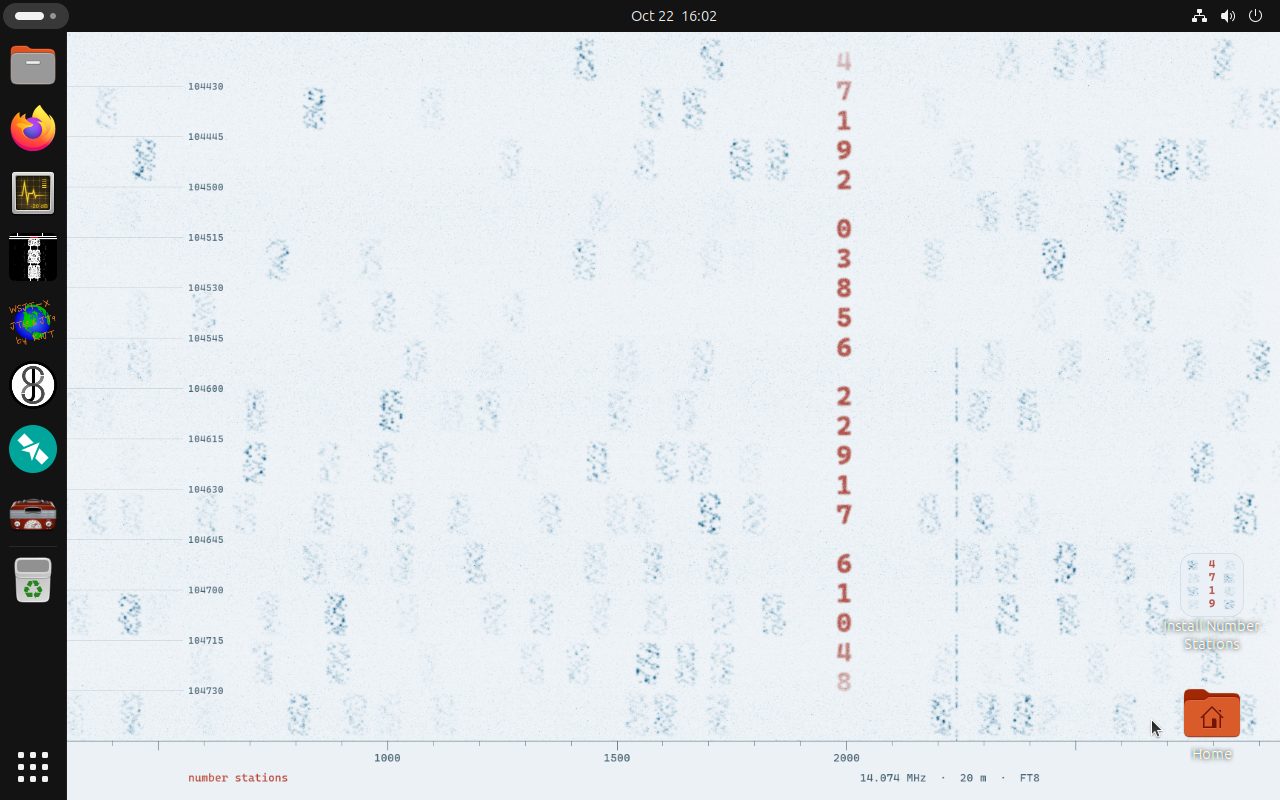
Gqrx, WSJT-X, fldigi, JS8Call and Gpredict in the dock, ready for an RTL-SDR dongle. Start it from a stick, tune in, and keep your settings and your log on the stick between boots.
- Ubuntu 26.04 LTSGNOME 50.1, Linux 7.0.0
- 28 secondsfrom a USB stick to the desktop, in testing
- Clock on UTCas radio logs are, kept right by chrony
- Saves to the sticksettings and logs stay between boots
What’s inside
On the dial
Receivers, decoders and a logbook, installed and pinned where you would look for them.
-
Receive with an SDR
An RTL-SDR dongle and Gqrx hear FM, airband, weather sensors and, with a little help, shortwave.
Gqrx, RTL-SDR tools 2.0.2, GNU Radio 3.10.12.0, welle.io and 2 more
-
Digital modes
FT8, JS8, PSK31, RTTY, SSTV and APRS, decoded from the audio.
WSJT-X, JS8Call, fldigi, QSSTV and 3 more
-
Morse code
Learn it, translate it, and send practice text to the speaker.
Telegraph, Morse, cw 3.6.1
-
Satellites
Passes of the ISS and the amateur satellites, with Doppler tuning.
Gpredict, OrbVis
-
Station and log
A logbook, LoTW signing, radio programming, and a clock on UTC.
QLog, TrustedQSL, CHIRP, Hamlib 4.6.5 and 2 more
-
Keys and secrets
Encryption and password tools for your files, kept off the air.
GnuPG 2.4.8, Kleopatra, KeePassXC, Picocrypt NG and 3 more
No radio needed
Hear one tonight
The Buzzer has droned on 4625 kHz for decades: a short, rough tone, around 25 times a minute, broken now and then by a Russian voice reading names and numbers. You can hear it with no radio at all.
Open Firefox from the dock, choose the WebSDR bookmark, and pick a receiver in Europe. Tune it to 4625 kHz in AM or USB and wait for the buzz.
In a terminal
# With an RTL-SDR plugged in, check it first
rtl_test -t

# Then decode the weather sensors next door
rtl_433Three ways to run it
Live, saved to the stick, or installed
Saved to the stick
- The first entry in the boot menu. Your files, settings and logs stay on the stick.
- The first start makes room for them in the stick’s free space, so a bigger stick holds more.
- WSJT-X remembers your callsign, QLog keeps its log.
Live, starting clean
- The second entry. Starts from the stick and forgets everything at shutdown.
- What you saved before is left alone for next time.
- Nothing on the computer changes either way.
Installed
- The installer on the desktop puts Number Stations on one whole disk and erases everything on it.
- No internet connection is needed to install.
- Updates come through Ubuntu’s apt and Flathub.
Before you transmit
Receive anything. Transmit in the clear.
Listening needs no licence in most countries. Transmitting needs an amateur radio licence, and the rules forbid messages encoded to hide their meaning: the ITU’s Radio Regulations (No. 25.2A) for contacts between countries, and national rules such as the FCC’s §97.113(a)(4) in the United States.
So the encryption tools here are for your files, passwords and keys. Keep them and the radio apart.
Built in the open
Every build is booted and checked
Number Stations is one short spec file, built with linuxlive. Each build is booted five ways in a virtual machine (UEFI, Secure Boot and BIOS, from a USB stick and as a disc image), installed to a disk, started twice from a stick to check that what it saves comes back, and checked package by package against the spec.
The 0.1 ISO was built on 22 October 2026.
Ready to tune in?
A 4.5 GiB download, a USB stick of 8 GB or more, and a 64-bit Intel or AMD computer. An RTL-SDR dongle is optional: the WebSDR bookmarks work without one.
Download Number Stations 0.1